Document automation with AI: the end of manual document work in your SME
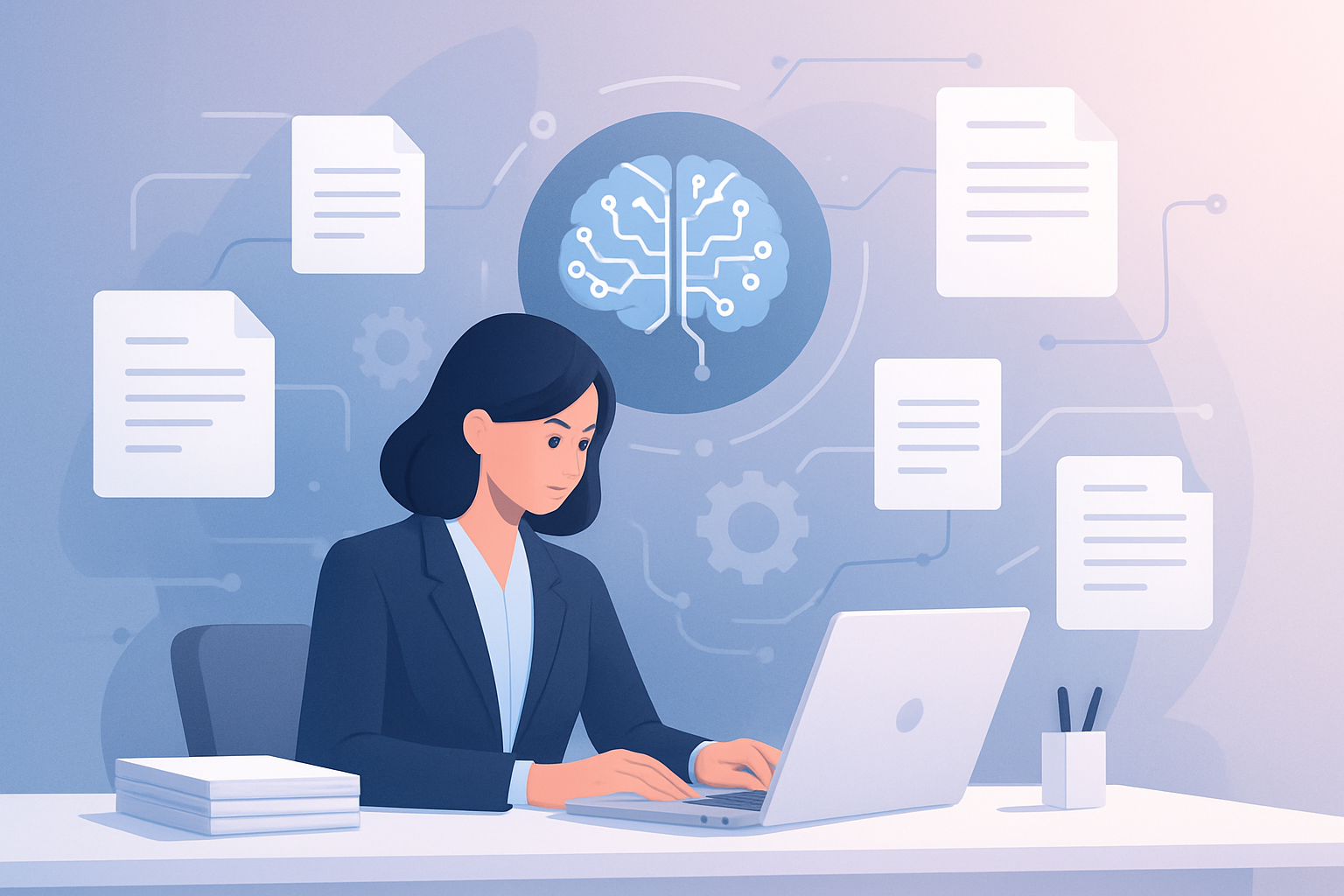
Can you imagine an office where papers don’t pile up, contracts process themselves and invoices enter the system automatically? It’s not science fiction. Artificial intelligence (AI) is already helping SMEs leave manual document work behind. Processing paperwork, reviewing contracts or searching for invoices is a thing of the past for those who decide to automate. If you own or manage an SME, this article will show you, simply and without jargon, how document automation with AI can improve your day-to-day, save time and money, and avoid costly errors. You’ll see real examples, practical cases and clear steps to get started.
What is document automation with AI and why does it matter for SMEs?
The paper nightmare in SMEs
In most SMEs, document management remains one of the most tedious and error-prone tasks. Think about all the hours your team spends processing invoices, filing contracts, searching for old documents or entering data manually into the system. A law firm can spend up to 30% of its time just reviewing and classifying legal documents. A car workshop loses hours every week searching for customer histories and paper quotes. All that time is money and energy not spent on more productive tasks.
What exactly does AI do in this context?
Artificial intelligence applied to document automation is like a digital assistant that “reads” documents (on paper or digital), extracts the important information and classifies it automatically. For example, a real estate agency may receive dozens of contracts a month: the AI detects the type of document, extracts key data (such as names, dates, amounts) and saves them in the right system, with no human intervention. It’s not just about digitizing, but about understanding the content and acting accordingly.
Why now?
Until a few years ago, this technology was expensive and complex; only large companies could afford it. Today there are accessible solutions adaptable to any SME’s size, even on tight budgets. The AI learns quickly from your company’s documents and adapts to your needs. This means you no longer need an IT department to benefit from these tools.
Main benefits: time savings, fewer errors and a better customer experience
Fewer hours on repetitive tasks
A restaurant that manually processes supplier invoices can spend more than 15 hours a month just entering accounting data. By automating this process with AI, the time is reduced to minutes: the tool extracts the relevant data and integrates it into the accounts. Those freed-up hours can be devoted to improving service or innovating on the menu.
Fewer errors, fewer headaches
Human error is inevitable when handling hundreds of documents. A simple mistake copying a figure can be costly: from duplicate payments to problems with the tax authorities. At a dental clinic, for example, losing an informed-consent form can lead to legal problems. Automation with AI reduces errors to a minimum, since data is extracted and classified automatically with an accuracy above 98%.
A better experience for your customers
How often does your team spend hours finding a contract or customer history? With document automation, the information is accessible in seconds. A travel agency can respond quickly to a complaint because it locates the document in one click. This translates into more satisfied customers and a professional image for your company.
Lower costs and easier growth
Digitizing and automating documents not only saves time, it also reduces spending on paper, printing, physical storage and office space. An e-commerce store that processes 500 invoices a month can save up to 4,000 euros a year in direct and indirect costs related to manual document management.
Concrete examples of document automation with AI in SMEs
Professional firm
At an 8-employee accounting firm, receiving and processing invoices was a bottleneck. Before, one person spent 20 hours a week reviewing, scanning and classifying invoices and contracts. After implementing an AI automation solution, the documents are scanned, the AI automatically extracts key data (supplier, amount, date) and integrates it into the accounting software. Now, the process requires only a quick review and takes less than 2 hours a week. The team devotes the freed-up time to advising clients and winning new business.
Real estate agency
A mid-sized real estate agency managed dozens of rental and sale contracts each month. Manual filing caused delays and lost documents. With document automation, the AI detects the type of contract, extracts names, dates and terms, and files everything in the cloud with secure access. Finding any document takes seconds, and filing errors have disappeared. In addition, the agency has cut the time spent on this task by 80%.
E-commerce
A small e-commerce store received supplier invoices by email in different formats. Before, the purchasing manager had to open each email, download the file, review the data and enter it into the system. Now, the AI automatically detects emails with invoices, extracts the data and enters it into the ERP. The process is almost invisible to the team, who can focus on customer service and expanding the catalog.
Clinic
At a dental clinic, recording informed-consent forms and filing histories was a headache. Document automation with AI makes it possible to scan the consents: the tool recognizes the type of document, identifies the patient and saves the file in the corresponding electronic record. The healthcare staff only check that everything is correct. This has reduced the risk of misplacing documents and improved data protection.
Car workshop
A vehicle repair workshop received work orders and quotes on paper. Classifying and searching for these documents was slow and error-prone. With automation, when the orders are scanned, the AI identifies the customer, the vehicle and the date, and automatically files them in the customer’s digital folder. Now, any mechanic can check a vehicle’s complete history in seconds, improving service and reducing waiting times.
Where to start? Practical steps to deploy document automation in your SME
1. Identify the most repetitive and costly processes
Make a list of the documents that steal the most time: invoices, contracts, consents, histories, purchase orders, etc. Ask your team how much time they spend each week on these tasks. This will tell you where automation can have the greatest impact.
2. Define the goal and the expected result
Do you want to cut invoice processing time from 10 to 2 hours a week? Avoid errors when entering customer data? Define a concrete, measurable goal. This will help you choose the right solution and measure success.
3. Choose a solution suited to your business
There are flexible options that integrate with the systems you already use (accounting, customer management, etc.). It’s important that the solution is scalable and easy to use, so your team doesn’t need intensive technical training. Seek specialized advice if you have doubts.
4. Test small before scaling
Deploy automation in a specific process (for example, only purchase invoices) for a few weeks. Evaluate the results: time saved, fewer errors, team satisfaction. If all goes well, expand to other processes and documents.
5. Involve your team and communicate the benefits
Resistance to change is normal. Explain to your team that automation doesn’t replace people, but frees up time for higher-value tasks. Listen to their suggestions and adapt the process if necessary. A convinced team is key to success.
FAQs about document automation with AI in SMEs
Is document automation only for large companies?
No. Today there are tailored, affordable solutions for SMEs of all sectors and sizes. Even a company with three employees can benefit, especially if it manages many repetitive documents.
What types of documents can be automated?
Most of the documents common in an SME: invoices, contracts, consents, delivery notes, purchase orders, customer records, medical histories, etc. Both in digital format and on paper (scanned).
Does document automation comply with data protection?
Yes, as long as you use solutions that comply with the regulations (such as the GDPR in Europe). Data is processed securely and stored with restricted access. It’s important to choose providers that guarantee privacy and security.
How long does it take to deploy a document automation solution?
It depends on the size and complexity of the process, but in many cases an SME can have the solution running within a few weeks. The usual approach is to start with a simple process and expand from there.
Conclusion: your SME can take the leap and forget manual document work
Document automation with AI is no longer exclusive to large companies. If you want to leave repetitive work behind, cut costs and improve customer service, now is the time to explore the possibilities in your SME. At Futurynia we help you identify opportunities, calculate the savings and design a solution tailored to you. Request a free consultation or assessment at futurynia.com and take the first step toward smarter, more efficient document management.
More news


Want this in your business?
Tell us about your case and we’ll send you an assessment with the highest-impact automations. Reply within 24 hours.
Request received!
We’ll get back to you within 24 business hours.