Where to start? The process audit to automate your SME with AI
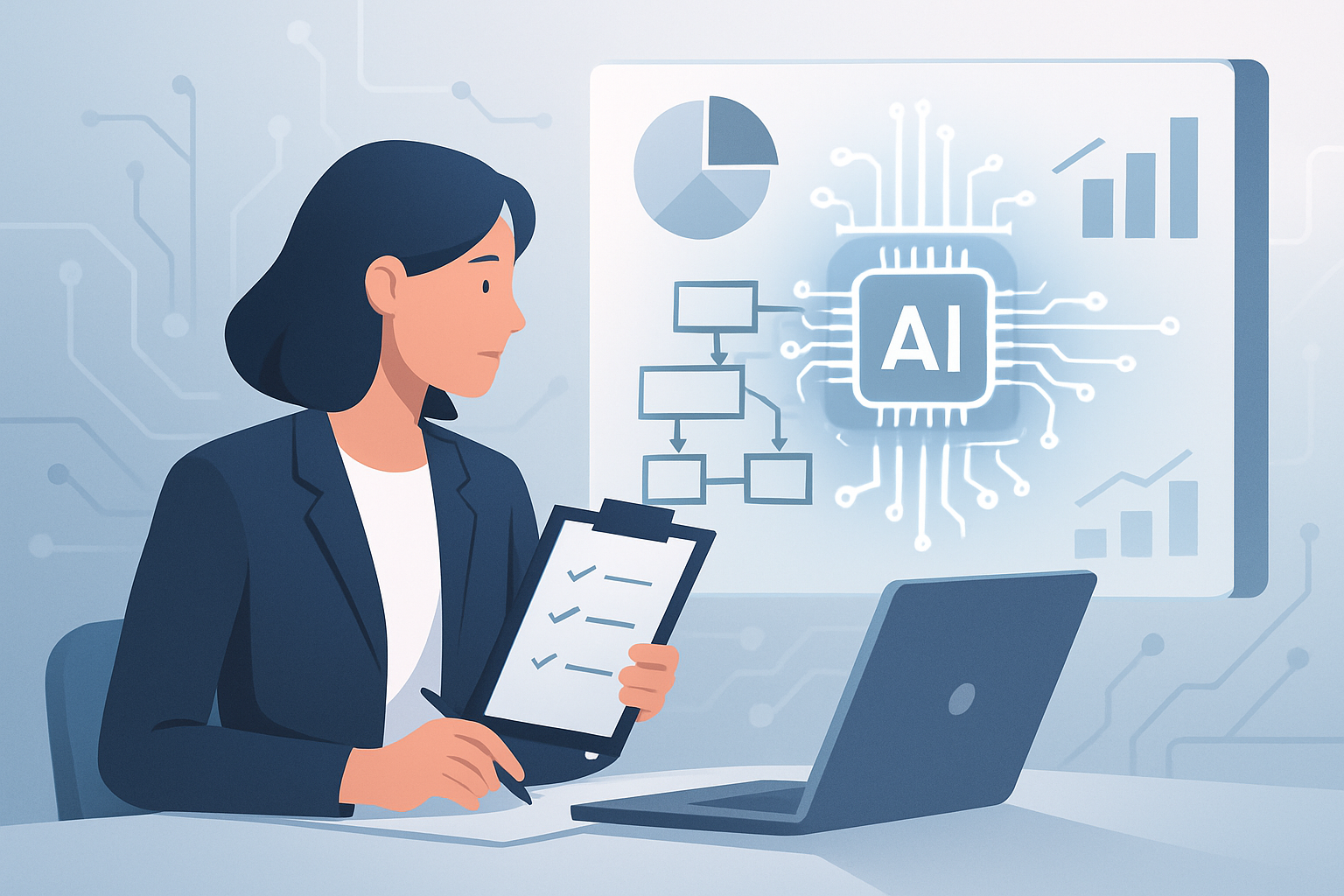
Artificial intelligence (AI) and automation are no longer a luxury reserved for large companies. More and more SMEs, from firms to restaurants, are taking the leap to optimize their daily work, cut costs and improve their customers’ experience. However, many owners and managers ask: “Where do I start?”. The answer is clear: before investing in technology, you need to understand how your company works on the inside. That first step is called a process audit. This article walks you through that journey, explaining in simple terms what a process audit is, what it’s for and how it can transform your SME, with real examples and practical steps.
What is a process audit and why is it the starting point?
A simple definition and purpose
A process audit is a detailed review of how tasks are done in your company, from customer service to invoicing. It involves analyzing step by step what your team does, how long each activity takes, which errors recur and where resources are lost. The goal is to identify areas that can be improved, simplified or even eliminated thanks to automation and AI.
Practical example: law firm
Imagine a 12-person law firm. The audit reveals that 30% of the assistants’ time is spent searching for documents in folders, forwarding emails and filling out repetitive forms. Here, an AI system could automatically classify the files and answer basic email queries, freeing up dozens of hours a month for higher-value tasks.
Why start here?
Without this initial analysis, it’s easy to fall into the trap of buying tools that don’t solve the real “bottlenecks”. The audit lets you make data-driven decisions, prioritize the highest-impact areas and avoid unnecessary investments. It also helps the whole team understand the reason for the changes and take part in continuous improvement.
Identifying processes that are candidates for automation: SME examples
Which tasks are ideal for AI automation?
Not every task should be automated. AI and automation shine especially in repetitive, high-volume processes with clear rules. For example, answering standard emails, managing bookings, issuing invoices, controlling inventory, analyzing sales data or qualifying potential customers.
Concrete mini-cases
- Small real estate agency: The team spends a lot of time answering the same questions about rental properties. An AI assistant can automatically respond to interested parties via WhatsApp or email, filtering the genuinely interested contacts.
- Local e-commerce: 40% of web-chat queries are about order status. A chatbot can resolve these questions in seconds and only route complex cases to a person.
- Dental clinic: Appointments are booked by phone and email, which causes errors and lost hours. An automated system can manage bookings and send reminders, reducing no-shows and improving organization.
How to prioritize
The audit helps prioritize processes by the “pain” they cause: How much time do they consume? How many errors do they generate? What impact do they have on customer satisfaction? This way, you can get quick wins where they’re needed most.
How to carry out a process audit step by step
Step 1: Process map
Start by drawing a map of the key processes. You don’t need complex software; a whiteboard or paper is enough. Identify the main tasks: sales, customer service, purchasing, administration, etc.
Step 2: Gather data
Over one or two weeks, observe and record how much time and resources each process consumes. Ask employees about frequent problems and collect examples of errors or delays.
Step 3: Detect bottlenecks
Here you look for where tasks get stuck, which steps are repeated unnecessarily and where the most errors occur. For example, in a car workshop, you might discover that managing appointments and spare parts takes more time than expected because everything is done manually.
Step 4: Prioritize improvements
Choose the processes with the greatest potential for savings or impact. For example, if a restaurant loses bookings because it doesn’t reply quickly, automating table management can increase revenue and reduce complaints.
Step 5: Report and action plan
Prepare a simple report, with charts and real examples, that shows where the opportunities are and proposes solutions. This report is the basis for deciding which AI or automation tools to adopt.
Concrete benefits of automating after the audit
Time and cost savings
Implementing AI in well-selected processes can save between 20% and 40% of administrative time in an SME, according to recent studies and our experience. For example, a 5-employee real estate agency can free up 15 hours a week just by automating responses to repetitive enquiries.
Fewer errors and better quality
Automation eliminates error-prone manual tasks, such as copying data between systems or scheduling appointments. A clinic that digitizes appointment management can reduce scheduling errors by 80%, which translates into fewer empty slots and a better experience for patients.
A better customer experience
Faster responses, 24/7 service and fewer errors create more satisfied, loyal customers. An e-commerce store that automates after-sales support can improve its review score and increase repeat purchases by up to 15%.
Real cases
- Car workshop: After an audit, it automated sending quotes and maintenance reminders, saving 10 hours a week and increasing revenue by 8%.
- Family restaurant: It implemented an automatic booking system that reduced cancellations and improved table occupancy by 12%.
Practical first steps for your SME: how to move forward without risk
Involve your team from the start
Automation works best when the team takes part in the audit. Listening to those who do the daily work helps detect real problems and reduces resistance to change.
Start with small, measurable processes
You don’t need to automate everything at once. A small step, like automating customer responses or appointment management, lets you see quick results and learn before scaling.
Define clear goals
Do you want to save hours? Reduce errors? Improve customer satisfaction? Set concrete goals and measure the results before and after automation.
Seek specialized advice
Having automation and AI experts helps avoid common mistakes and identify solutions tailored to your needs. A consultancy like Futurynia can guide the process, from the audit to the deployment, with no jargon or surprises.
Mini-case: small online store
An eco-products store started by automating the sending of after-sales follow-up emails. In two months, the repeat-purchase rate rose by 10% and the team gained 5 hours a week for higher-value tasks.
FAQs about process audits and AI automation
How much does a process audit cost?
The cost depends on the size and complexity of the company, but in most SMEs a basic audit can be done in under two weeks and represents an investment far lower than the annual savings achieved after automating the first processes.
Does automation mean laying off employees?
Not necessarily. Most SMEs use automation to free up time from repetitive tasks, allowing the team to focus on higher-value activities, personalized service or new projects.
Do I need to change all the company’s software?
No. Many automation and AI solutions integrate with existing systems. The audit lets you select compatible tools and avoid disruptive changes.
What if the team doesn’t adapt to the changes?
The key is to involve everyone from the start, communicate the benefits and provide training. SMEs that follow this approach usually see a smooth transition and more motivated teams.
Conclusion: take the first step toward smart automation
Automating your SME with artificial intelligence starts with understanding your processes well. An audit lets you make informed decisions, prioritize improvements and get quick, measurable results. If you want to explore how it can benefit your company, at Futurynia we offer a free initial consultation or assessment, with no obligation. Take the first step and discover how automation can free up time, save costs and improve your customers’ experience. More information at futurynia.com.
More news


Want this in your business?
Tell us about your case and we’ll send you an assessment with the highest-impact automations. Reply within 24 hours.
Request received!
We’ll get back to you within 24 business hours.